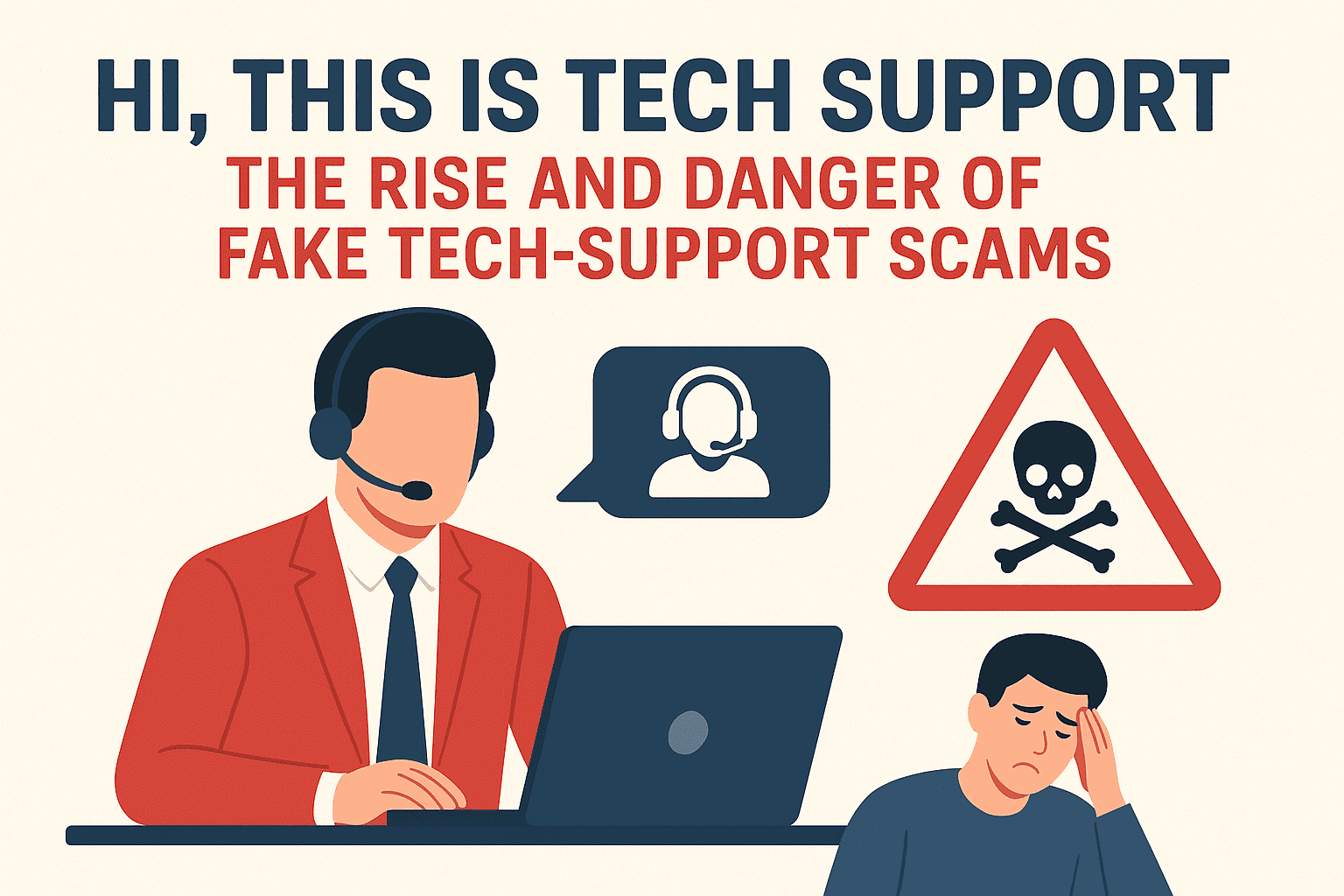
“Hi, this is tech support”: The Rise and Danger of Fake Tech-Support Scams
How scammers pose as tech support—and how you can protect yourself and your family.
Fake tech-support scams have become one of the
most prevalent and damaging forms of cybercrime worldwide. According to the
FBI’s 2023 Internet Crime Report, over 37,500 such complaints were registered
in the U.S. last year alone, with total losses exceeding $924 million. That’s
an average loss of nearly $25,000 per victim—a clear sign that scammers aren’t
just after minor payments, but aim to extract as much money and sensitive
information as possible.
So, how do these scams work? Typically,
fraudsters contact potential victims, pretending to be from respected
companies—commonly software developers, antivirus vendors, or major tech
brands. They may find targets in several ways:
·
Impersonation
on fake websites and social media: Scammers set up deceptive pages and
profiles that imitate trusted brands. Victims searching for help online might
stumble onto these and unwittingly reach out, only to be ensnared by the
fraudsters.
·
Pop-up
warnings and notifications: Alarming on-screen messages, often mimicking
system alerts, warn of non-existent viruses or hacking attempts, urging the
user to call a provided number for "help."
·
Phone
calls (cold or warm): Fraudsters sometimes call random numbers (cold
calls), but with breaches and data leaks becoming more common, they can also
conduct warm calls—using information such as your name or exact products, which
makes the con seem far more legitimate.
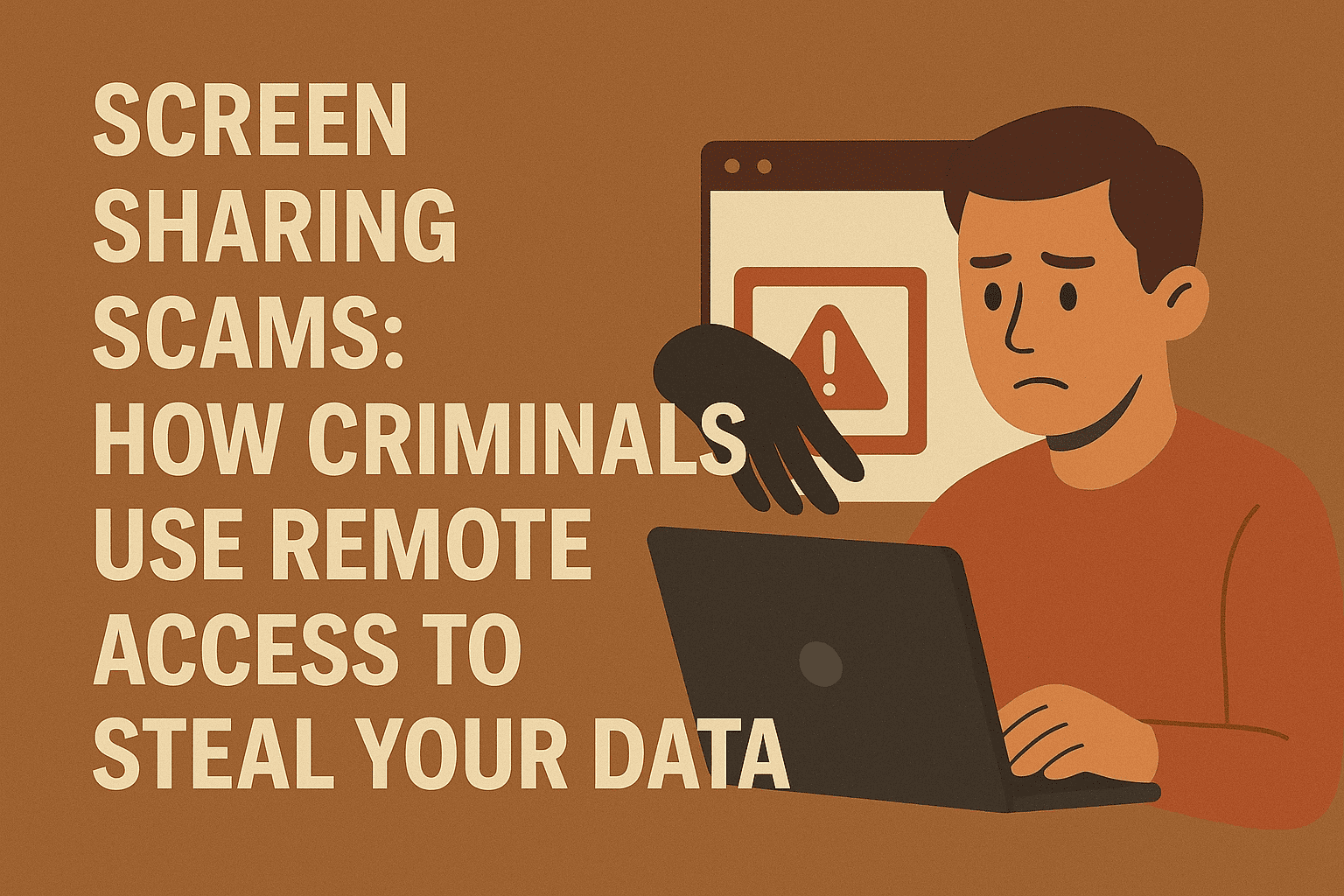
Once connected, these scammers use social
engineering techniques to create panic, overwhelm the victim with tech jargon,
and build a false sense of trust. Victims are pressured to act urgently—often
by installing remote access or screen-sharing software, divulging passwords, or
sharing banking and one-time authentication codes. In some elaborate schemes,
imposters will coordinate multiple calls or messages, posing as different
"departments" or even "government agencies," to legitimize
their demands.
Why is this so dangerous?
These attacks often result in significant financial loss, identity theft, and
even long-term psychological harm. Elderly users are especially vulnerable, as
they may not be as familiar with digital threats, making them prime targets.
These scams can strip away life savings in minutes and, in some cases,
compromise personal or corporate data.
How can you protect yourself?
·
Stay
skeptical: Unsolicited tech support calls or pop-up warnings should always
be treated as suspicious.
·
Don’t
panic: Scare tactics are designed to rush your judgment. Take your time
and verify the caller independently.
·
Never
grant remote access or share credentials: Legitimate companies never ask
for this over the phone or unsolicited messages.
·
Install
trusted security solutions: Use well-known antivirus and security tools
that can block malicious connections and warn about risky behavior.
·
Educate
family and elderly relatives: Discuss these scams often; awareness is one
of the strongest defenses.
·
Double-check
official contact channels: If you are unsure, reach out to the company via
their verified website or customer support number—never via numbers provided in
suspicious messages.
·
Report
suspicious contacts: Notify local authorities or relevant cybersecurity
organizations to help warn the broader community.
With awareness and smart digital habits, you
can avoid falling prey to these costly and emotionally damaging scams.